

How to Install and Set Up MySQL on Windows 11, Linux, and macOS (2026 Complete Guide)
MySQL Setup

Setting up a database locally is a fundamental backend skill. Whether you're building with Node.js, PHP, Python, or Java — understanding how to install and configure MySQL properly gives you real control over your development environment.
In this 2026 updated guide, you’ll learn:
How to install MySQL on Windows 11
How to install MySQL on Linux (Ubuntu/Debian)
How to install MySQL on macOS
How to secure your installation
How to verify everything works
If you prefer video learning, I’ve also created a full step-by-step walkthrough here:
🎥 Watch the complete installation tutorial:
👉 https://youtu.be/vm5GjZ28MSU
What is MySQL?
MySQL is one of the world’s most popular open-source relational database management systems (RDBMS). It stores data in structured tables and is widely used in modern web development.
It works seamlessly with:
Node.js
PHP
Python
Java
.NET
MERN / MEAN Stack
If you're learning backend development in 2026, MySQL is still highly relevant.
Install MySQL on Windows 11 (2026)

4
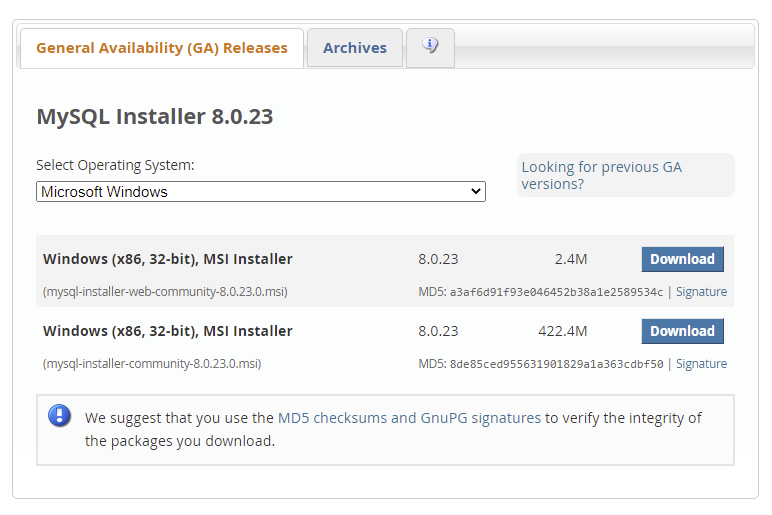
Step 1: Download MySQL Installer
Visit the official MySQL website.
Download MySQL Installer for Windows.
Choose either:
Web Installer (small file)
Full Installer (offline version)
For most developers, the Web Installer is sufficient.
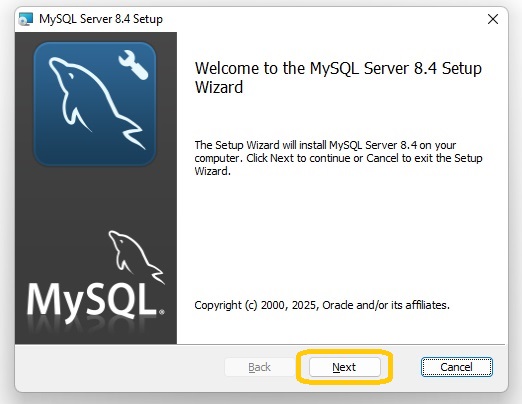
Step 2: Run the Installer
Open the downloaded file.
Choose setup type:
Developer Default (Recommended)
Server Only
Custom
If you're coding, choose Developer Default.
Step 3: Configure MySQL Server
During setup:
Configuration Type → Development Machine
Port → Keep default (3306)
Authentication → Use strong password authentication
Set root password (important)
Complete the configuration process.
Step 4: Verify Installation
Open Command Prompt and run:
mysql --version
If it shows the version number, installation is successful.
You can also open MySQL Workbench to manage databases visually.
Install MySQL on Linux (Ubuntu/Debian)


4
Step 1: Update System
sudo apt update
Step 2: Install MySQL Server
sudo apt install mysql-server
Step 3: Secure Installation
sudo mysql_secure_installation
Follow the prompts:
Set root password
Remove anonymous users
Disallow remote root login
Remove test database
Choose Yes for most security options.
Step 4: Start and Enable MySQL
sudo systemctl start mysql
sudo systemctl enable mysql
Check status:
sudo systemctl status mysql
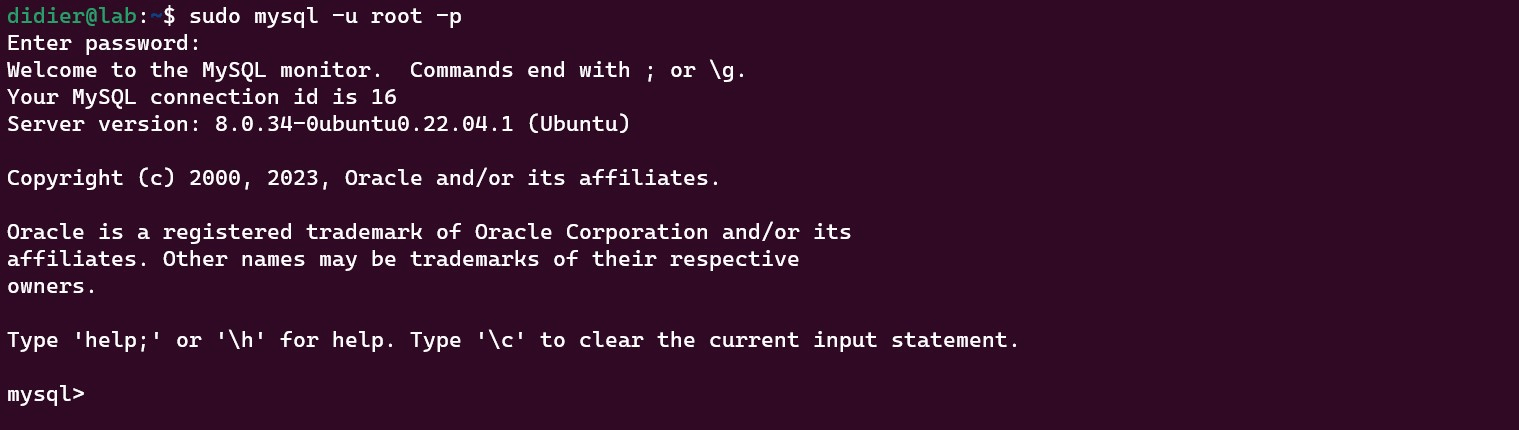
Login:
sudo mysql -u root -p
Install MySQL on macOS (2026)
4
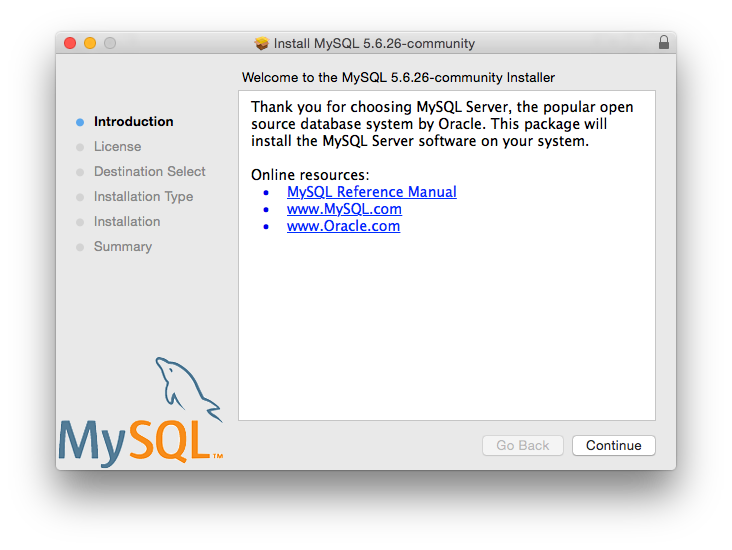
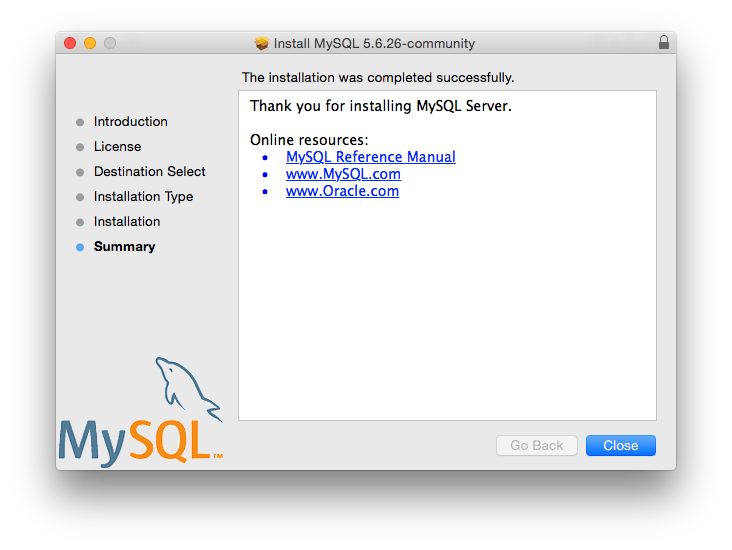
Method 1: Using DMG Installer (Recommended)
Download the macOS
.dmginstaller from the official MySQL website.Open the file.
Follow installation steps.
Set root password.
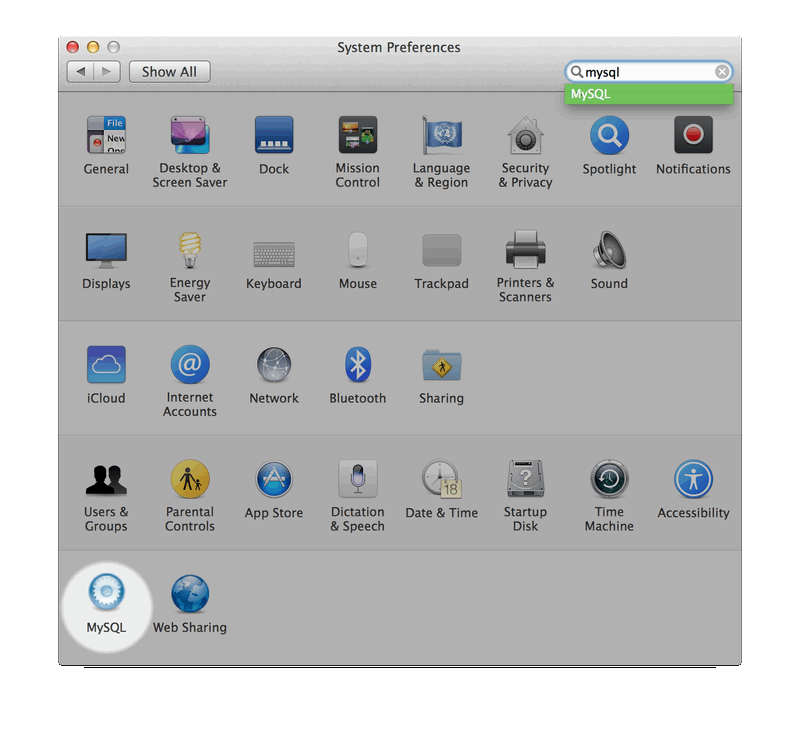
MySQL will appear in System Settings.
Method 2: Using Homebrew
If you use Homebrew:
brew update
brew install mysql
Start MySQL:
brew services start mysql
Verify:
mysql --version
Secure Your MySQL Installation
Always run:
mysql_secure_installation
This improves security by:
Removing anonymous users
Disabling remote root login
Removing test databases
Strengthening password setup
Security should never be skipped.
Test Your MySQL Setup
Login:
mysql -u root -p
Create a test database:
CREATE DATABASE testdb;
SHOW DATABASES;
If it appears in the list, your installation works perfectly.
Common MySQL Installation Errors (2026)
MySQL Not Recognized as Command
Add MySQL bin folder to your system PATH.
Windows:
Search "Environment Variables"
Add MySQL bin directory to PATH
macOS/Linux:
export PATH="/usr/local/mysql/bin:$PATH"
Port 3306 Already in Use
Edit MySQL configuration file (my.ini or my.cnf) and change the port number.
Why Installing MySQL Locally Still Matters in 2026
Yes, cloud databases like:
AWS RDS
PlanetScale
Supabase
are powerful.
But if you don’t understand:
Local configuration
Services
Authentication
Ports
Security
You’ll struggle when debugging real production systems.
Strong backend developers know their environment inside out.
Final Thoughts
Installing MySQL isn’t just a setup task. It’s foundational backend knowledge.
If you're serious about web development, master these basics before jumping into cloud abstractions.
Again, if you prefer video guidance, watch the complete walkthrough here:
About the author
👋 Yo! I’m Munish — a full stack web dev + AI/ML learner building in public. 💻 On this channel: Beginner-friendly web development tutorials Dev vlogs + learning journey AI/ML experiments coming soon 🎯 Subscribe to grow with me and build cool stuff, one line of code at a time.
#CodeWithMishu | Learn. Build. Dominate.
Comments
Join the discussionNo comments yet. Be the first to comment.


